 aisma
aisma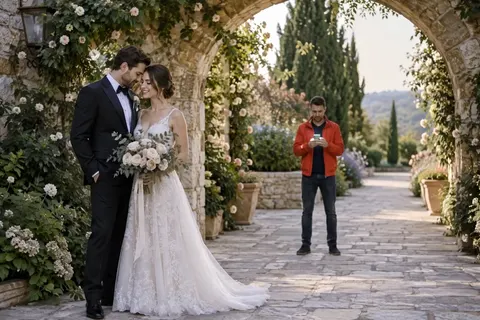
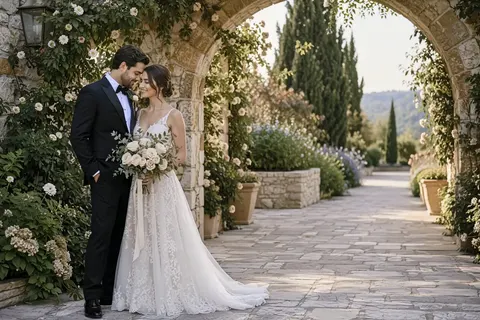
remove the guy in the red jacket behind them
Before and after
AI video examples.
Copy any request.
Aisma is an AI video editor that changes a clip you already shot: upload a 2–60 second video and describe the change the way you’d say it, adding photos when a specific look matters. Every card below is a real Aisma edit, shown as the original and the result with its request in plain words.
Choose your video
Paid editing · MP4 or MOV · 2–60 seconds · Review credits before generating.
Examples updated October 19, 2026.
Browse all 43 edits- 43 edits in seven kinds of change.
- 19 from words alone, 24 with one or two photos.
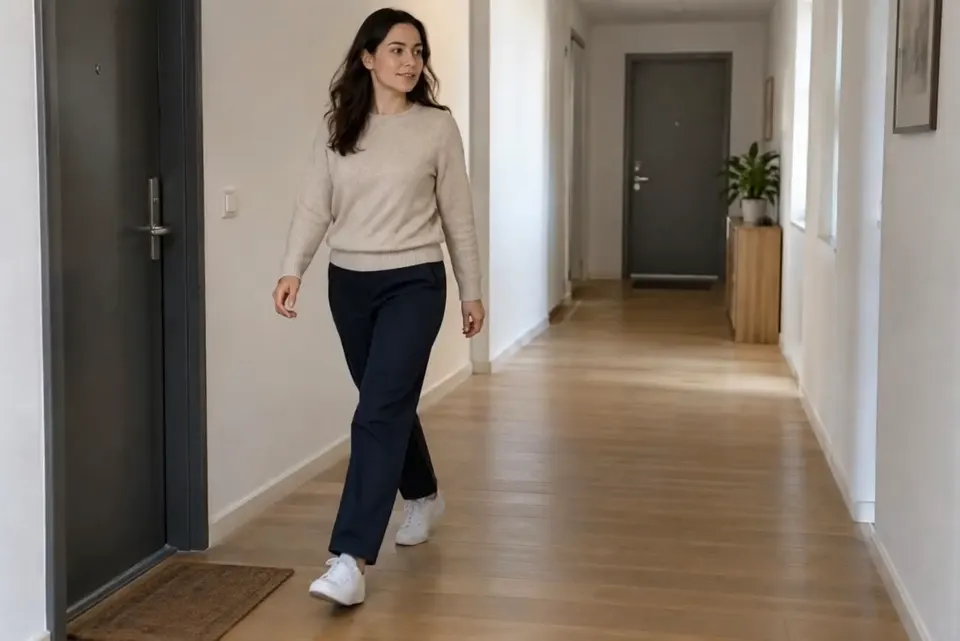
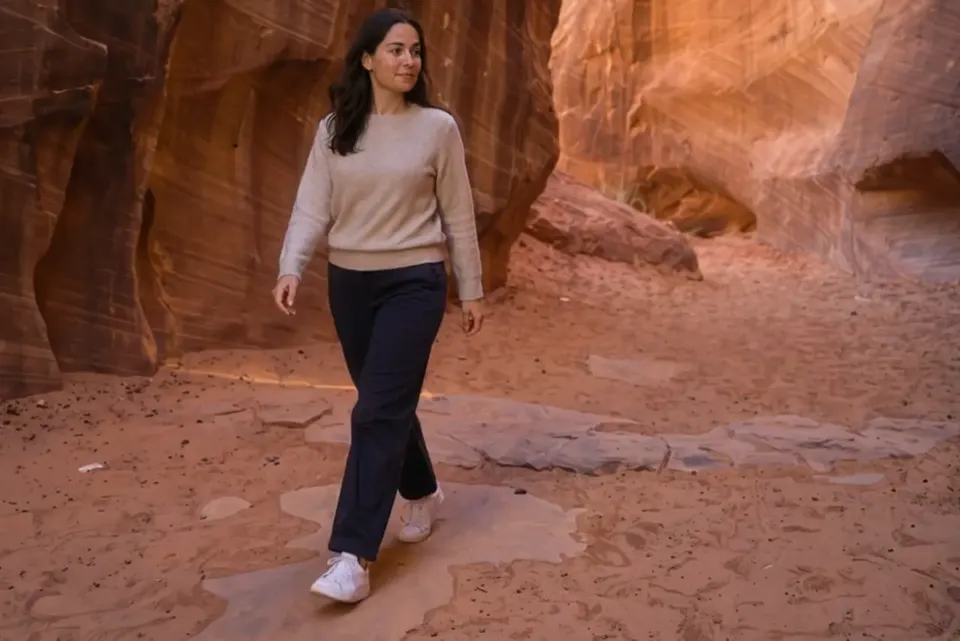
change the background to a red canyon at sunsetChange the background
Example pages
The full edit,
one page each.
Each page plays the complete edit and its original, with the request and a note on what changed.
All 43 edits
Every edit,
with its request.
Grouped by the kind of change. Every request here edits a clip that already exists. Pick a type to jump to it.
3 edits
Remove people
and objects.
Name what should go by color and position, like the guy in the red jacket. Aisma fills the space from the scene around it. The two current-version removals here are the first runs we made.
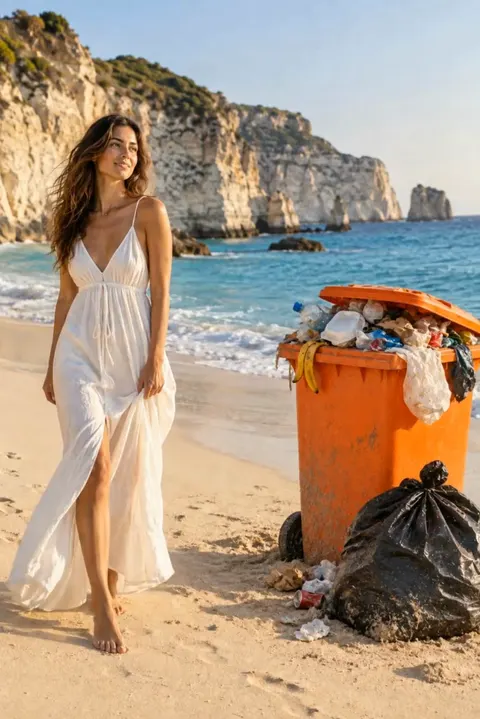
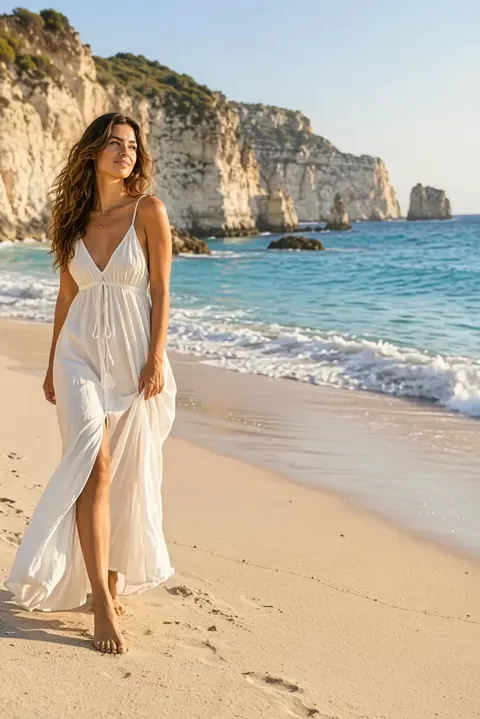
remove the trash bin and the trash bag
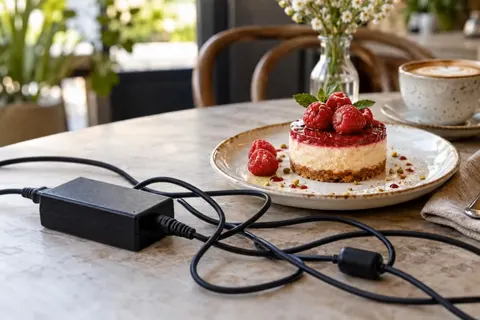
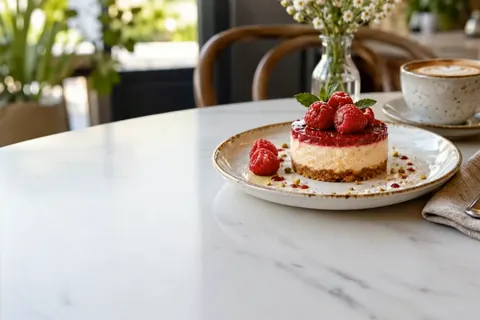
remove the cable
17 edits
Change clothes
from a photo or words.
Thirteen of these used one garment photo. Four came from words alone: the checker racing outfit, the lilac bomber and both jackets on the terrace. All ten dance looks are the first runs we made.
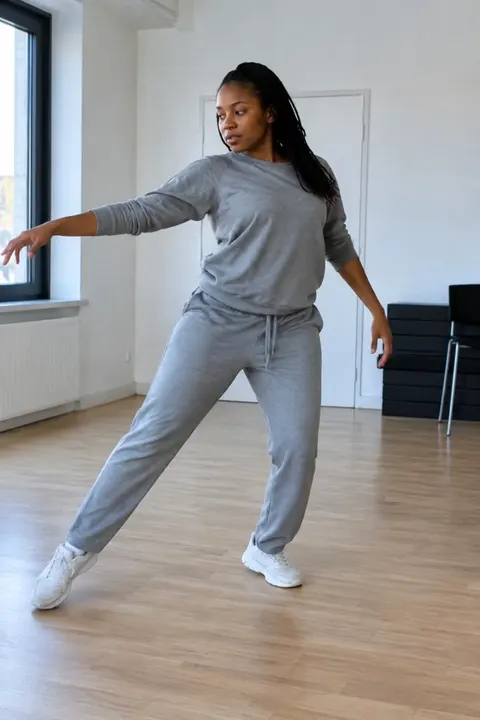
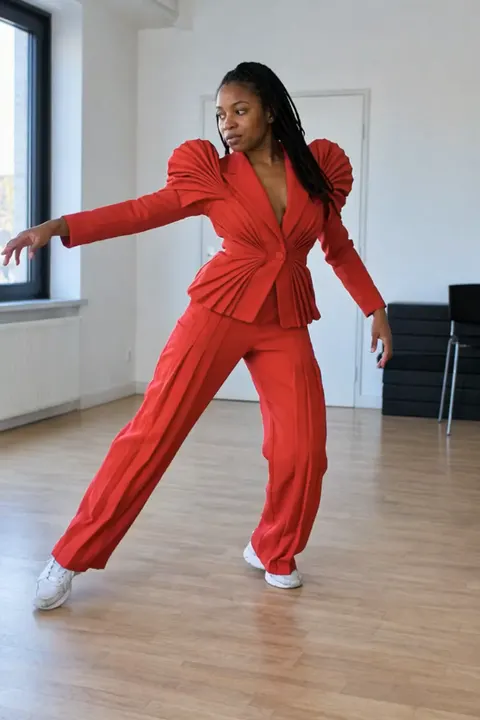
change her tracksuit to this sculptural scarlet suit
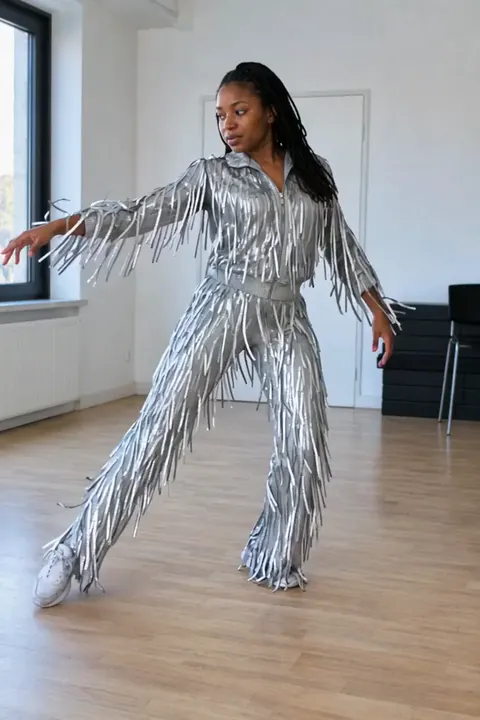
change her tracksuit to this silver fringe jumpsuit
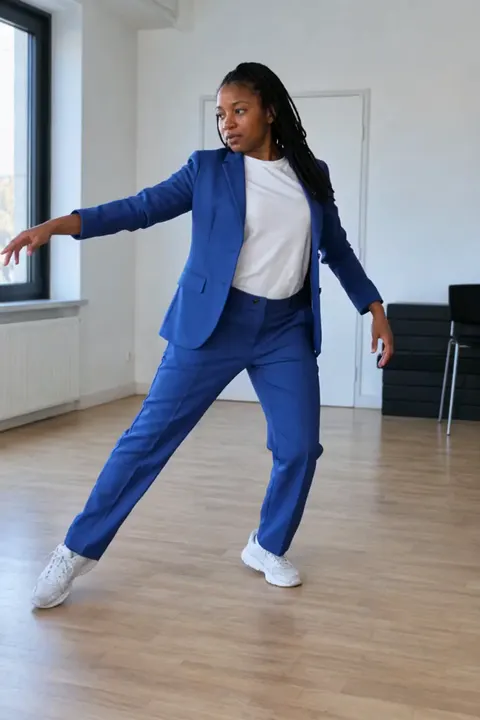
change her tracksuit to this cobalt-blue suit
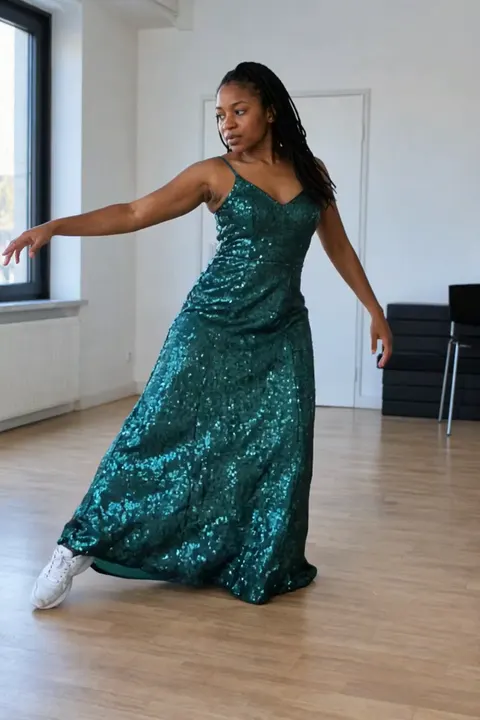
change her tracksuit to this emerald sequin gown
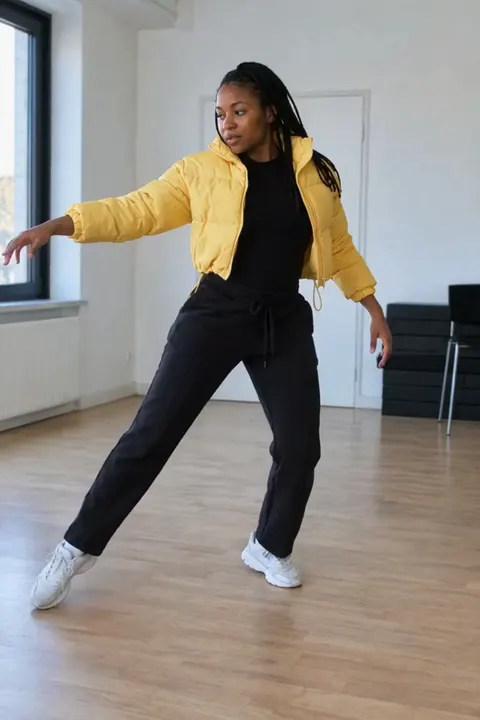
change her tracksuit to this yellow puffer outfit
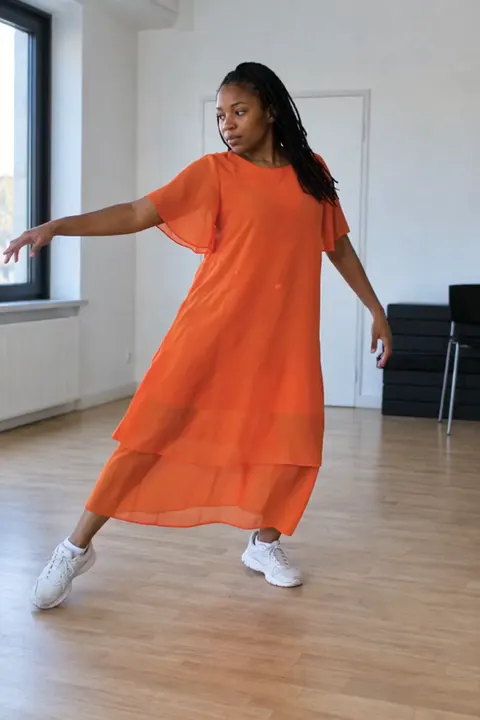
change her tracksuit to this flowing orange dress
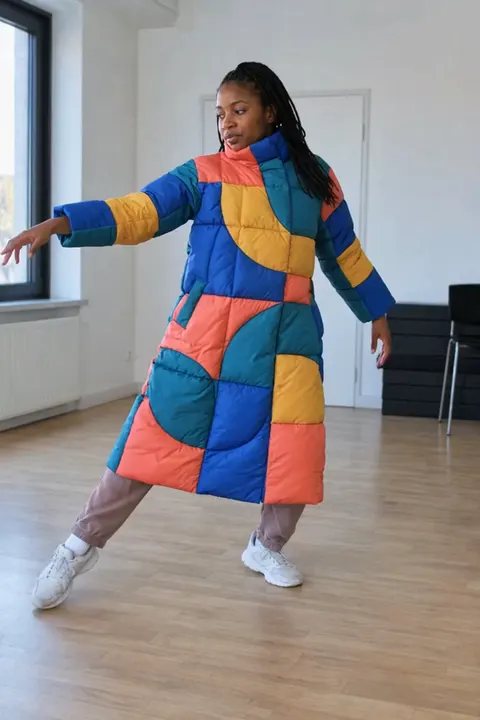
change her tracksuit to this geometric puffer coat
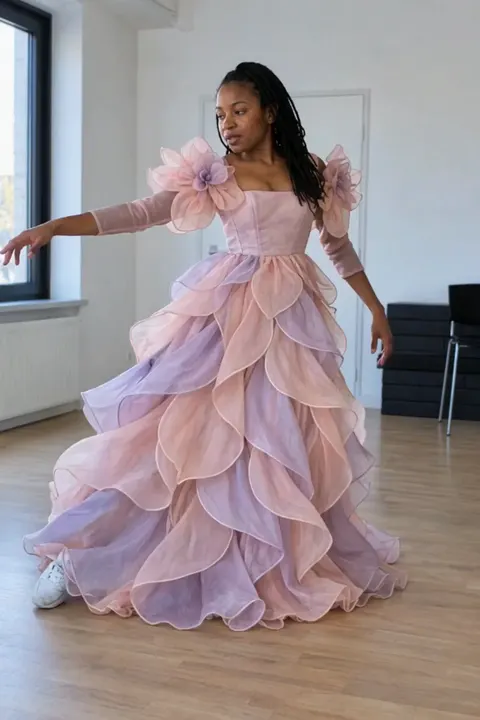
change her tracksuit to this pink petal gown
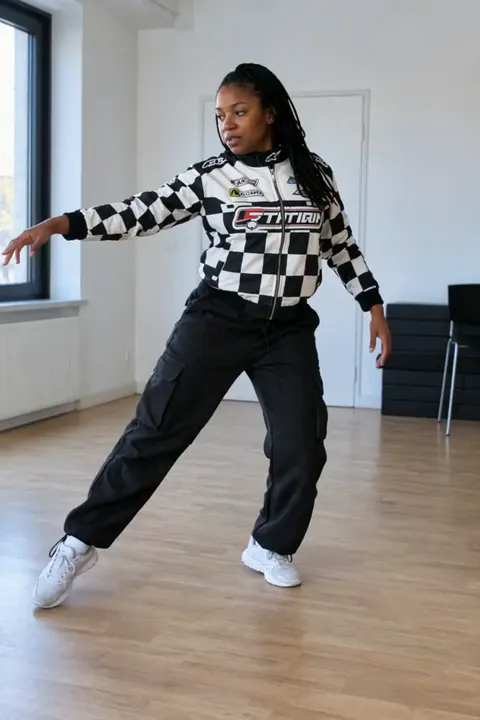
change her tracksuit to a black-and-white checker racing outfit
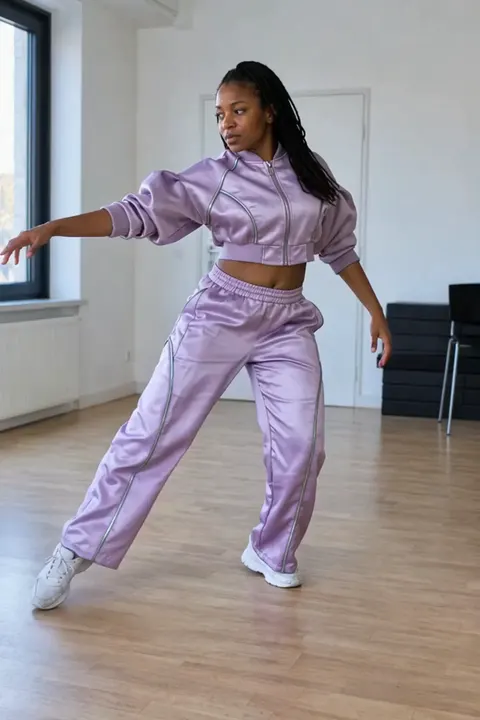
change her tracksuit to a futuristic lilac bomber and wide trousers

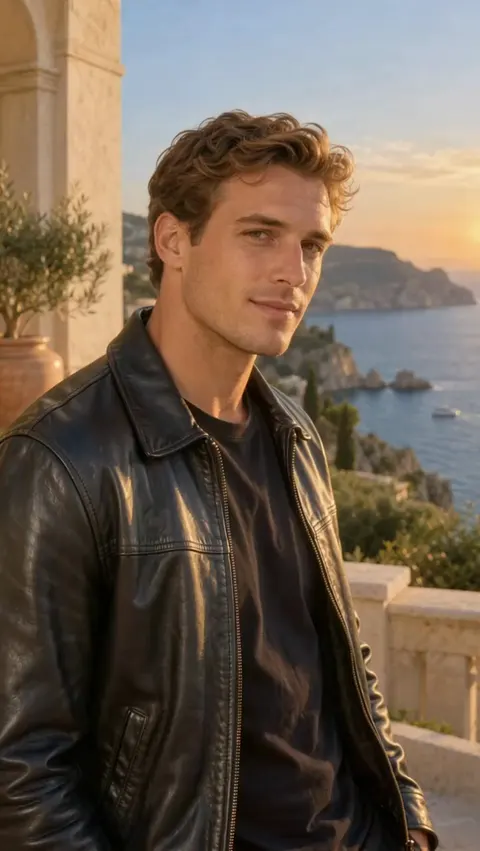
change his linen jacket to a black leather jacket

change his linen jacket to a white tuxedo with a bow tie
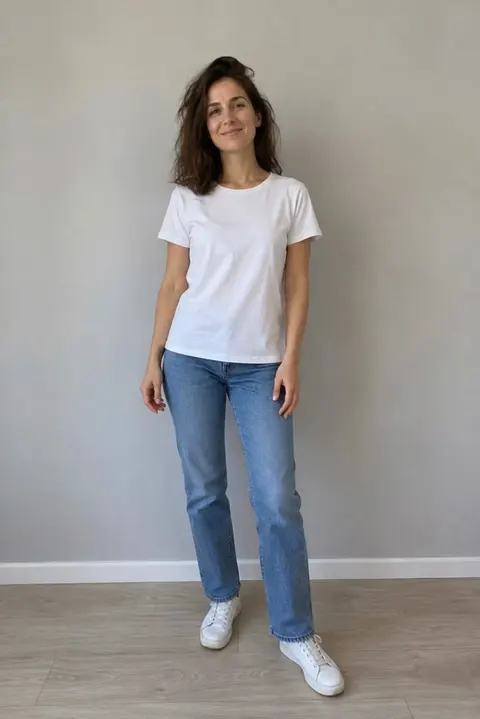
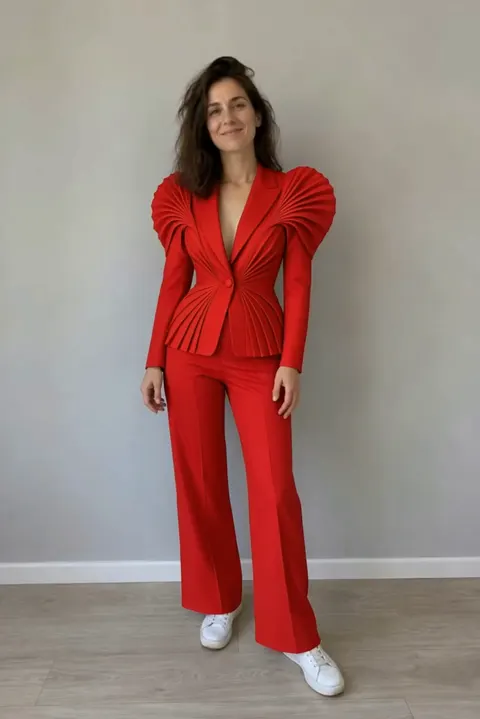
dress her in the red suit from the photo
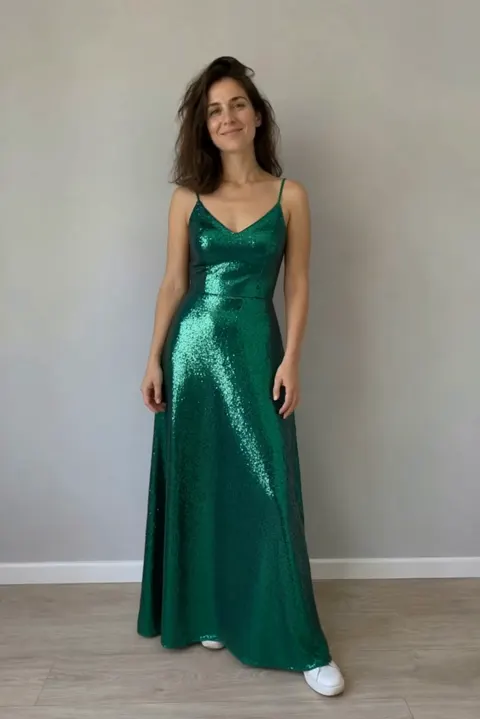
put the green sparkly dress from the photo on her
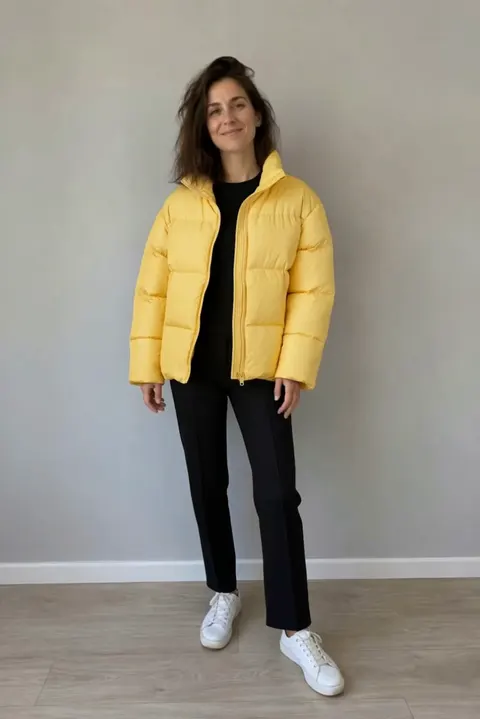
give her the yellow puffer jacket and black pants from the photo
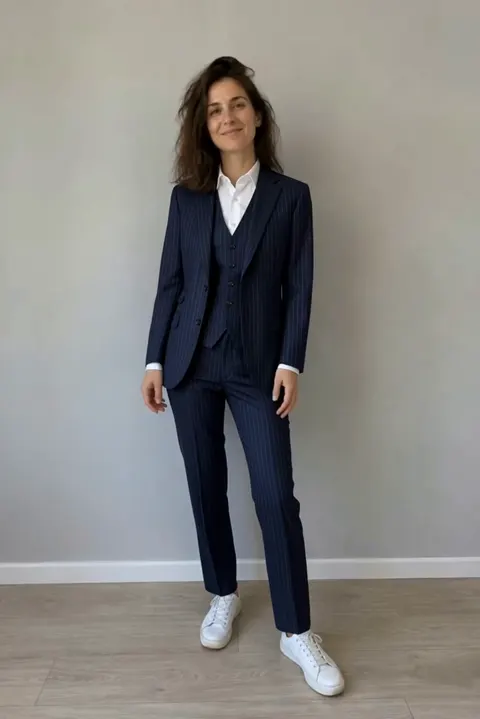
put her in the navy suit from the photo
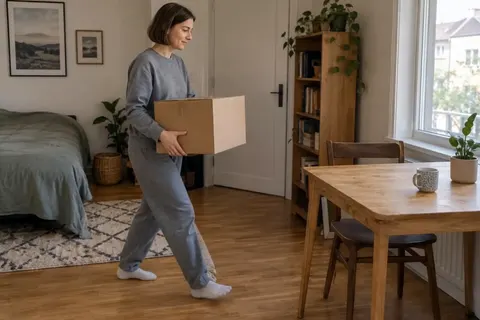
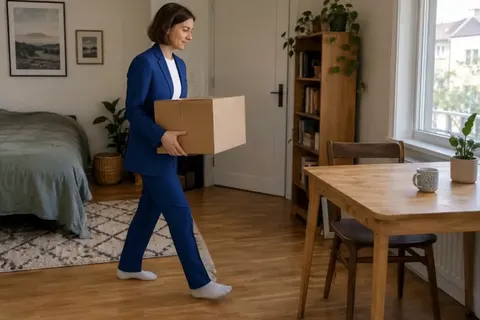
put her in the blue suit from the photo
5 edits
Change the background,
keep the subject.
Each new place was described in words, with no green screen and no photo. The subject stays, and the light on it follows the new scene.
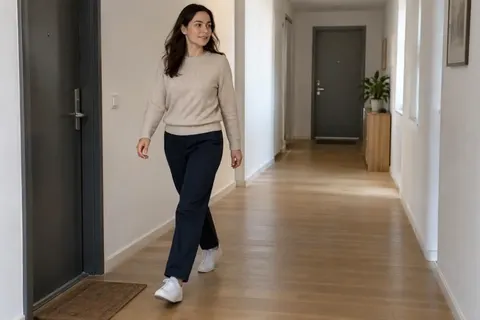
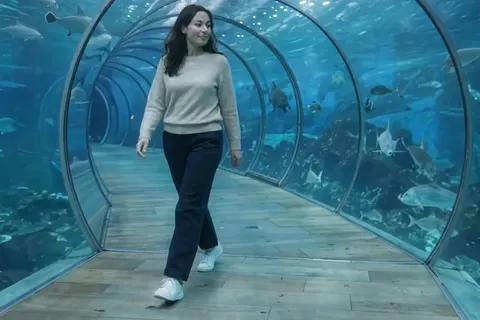
change the corridor to an underwater tunnel with fish
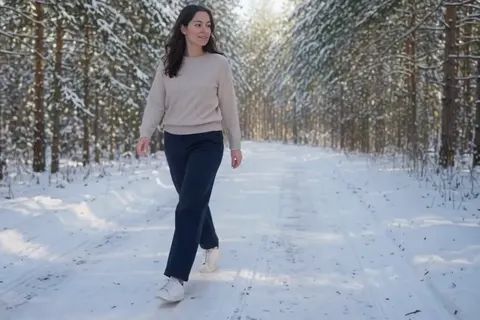
change the background to a snowy forest
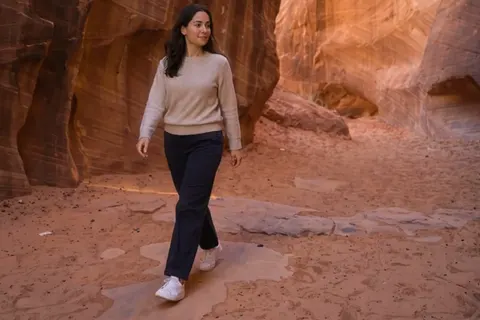
change the background to a red canyon at sunset
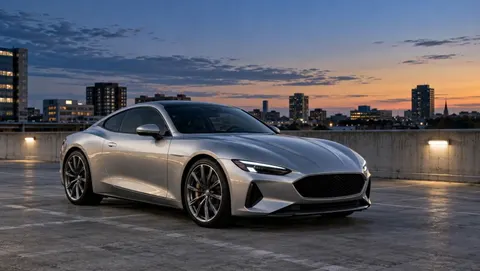
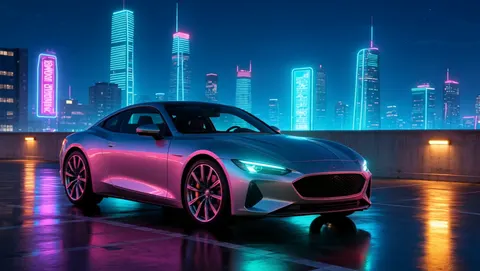
change the background to a neon city at night
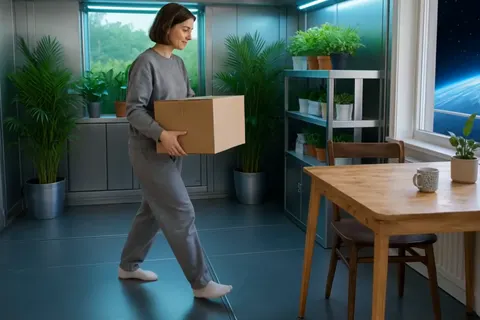
change the apartment to a greenhouse in space with earth outside the window
6 edits
Swap a face
or a whole person.
Each swap used two portraits of the new person, one from the front and one at three-quarters. The gestures and the setting stay. Use photos of people who agreed to it.
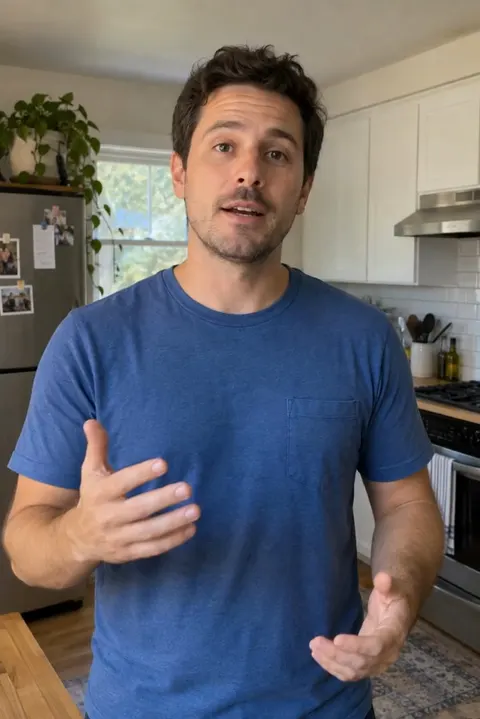
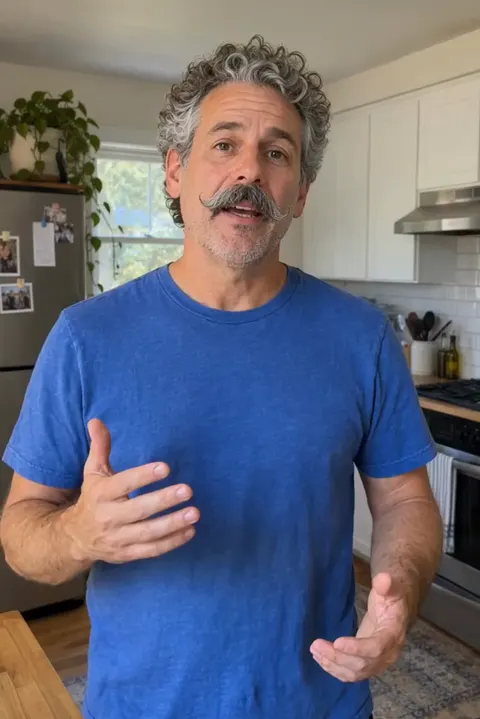
replace the man with the guy from the photos
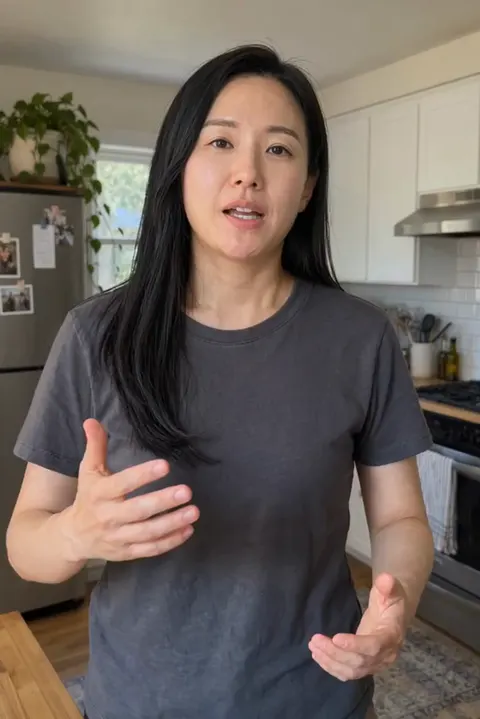
replace the man with the woman from the photos
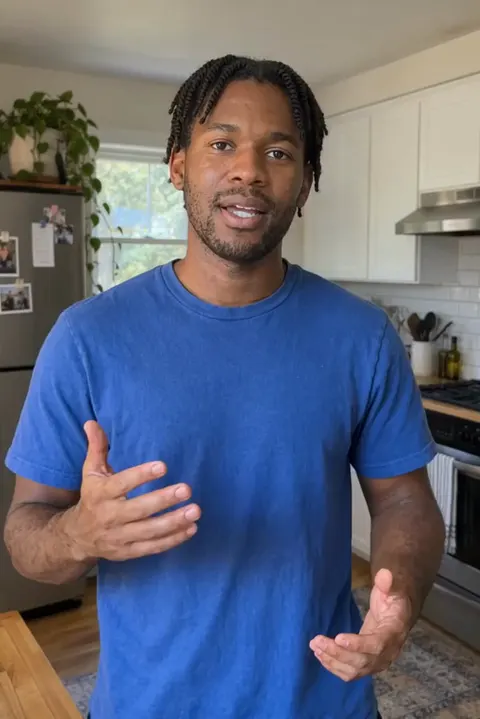
replace the man with the guy from the photos

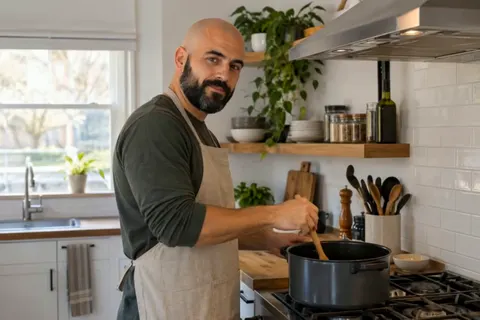
swap the cook for the man in the photos
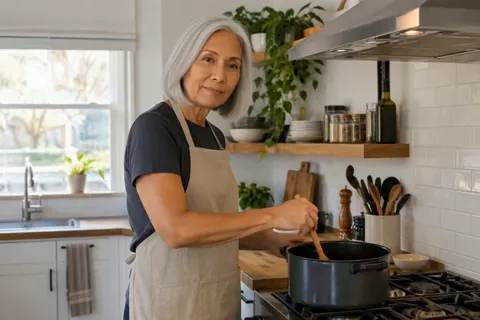
swap the cook for the woman in the photos


replace the guy with the person from my photos
5 edits
Swap the product,
keep the shot.
One product photo for each. The bottle turns in the same hand and the sneaker takes the same step. Small print and labels can change, so check them before the clip goes into an ad.
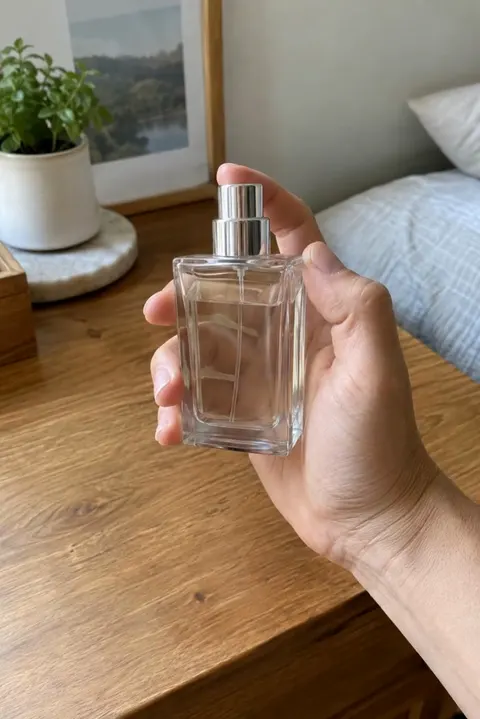
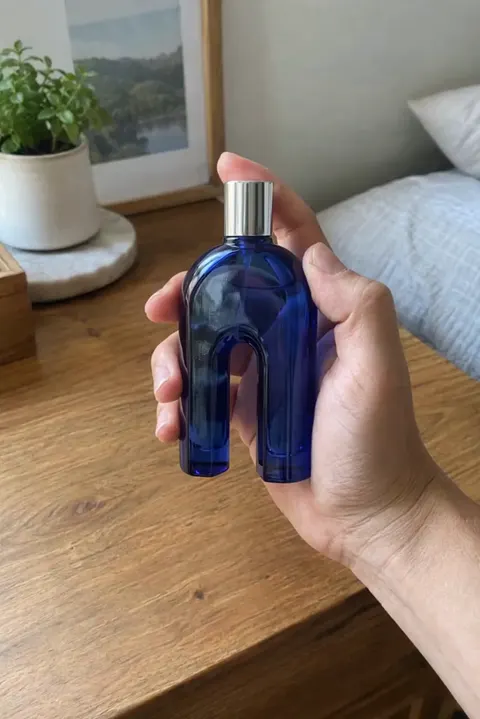
swap the bottle for the blue one in the photo
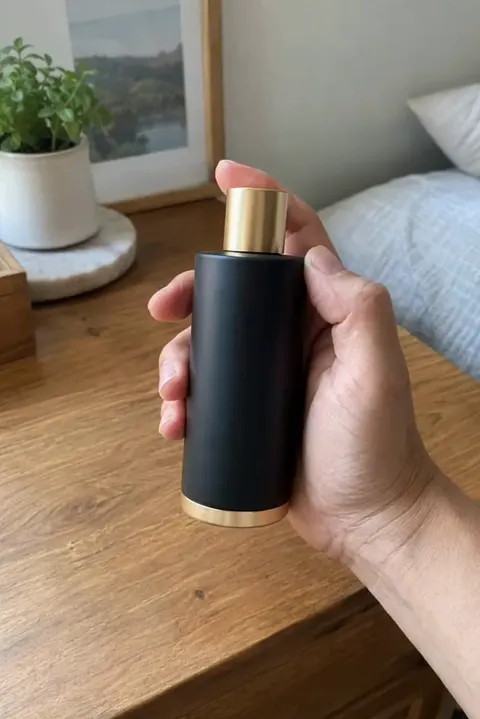
swap the bottle for the black one from the photo
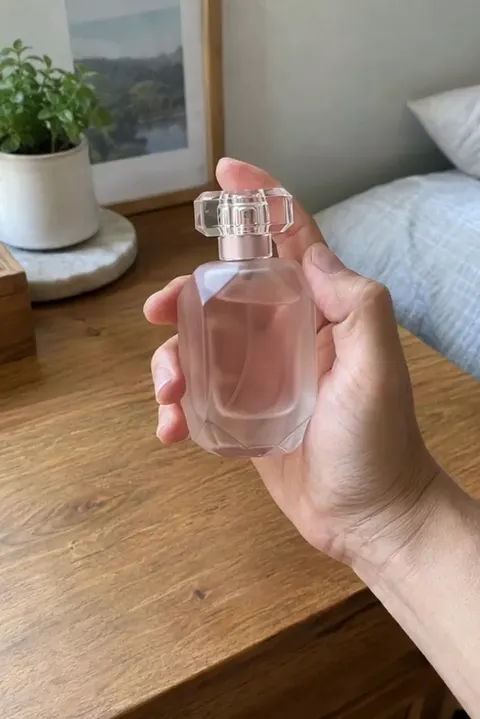
change the bottle to the pink one from the photo
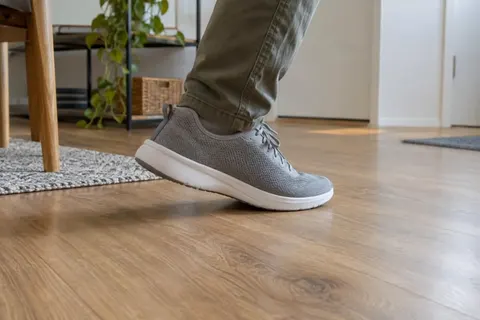
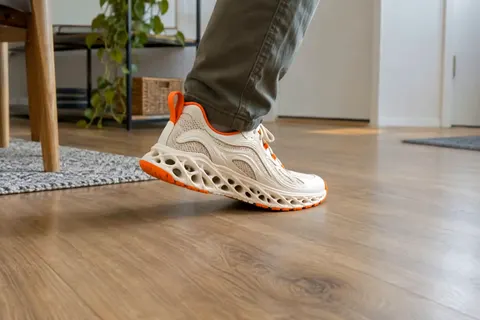
change the sneaker to the one in the photo
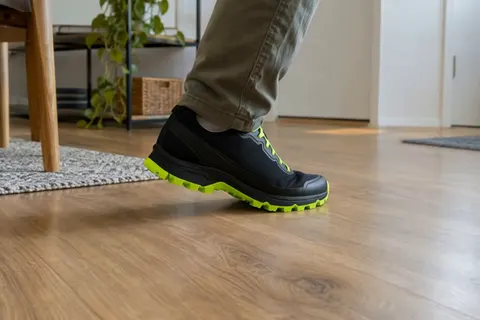
put the black trail shoe from the photo on him
5 edits
Restyle
in a new material.
Wool, paper, clay, comic ink and watercolor, each asked for in words alone. All five were made with a previous version of Aisma.


make everything in this video look knitted from wool
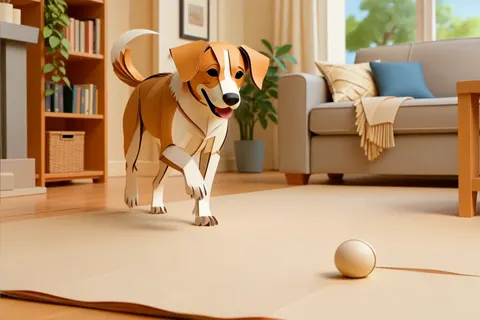
make this video look like it's made of paper
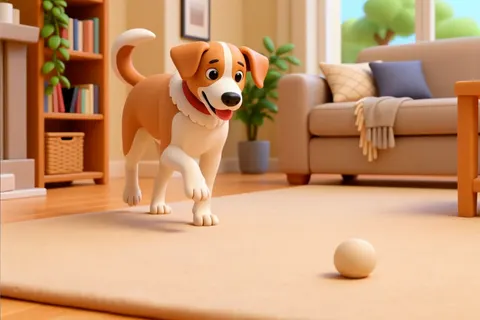
turn everything in this video into plasticine
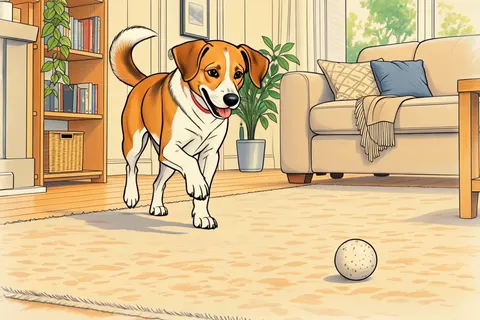
turn this video into a comic drawing
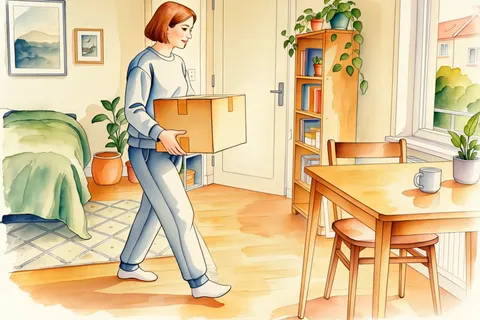
turn this video into a watercolor painting
2 edits
Add an effect
to one moment.
Describe the physical event you want to see, like petals lifting off a bouquet or a mug rising off a desk. Keep it to one event per request.
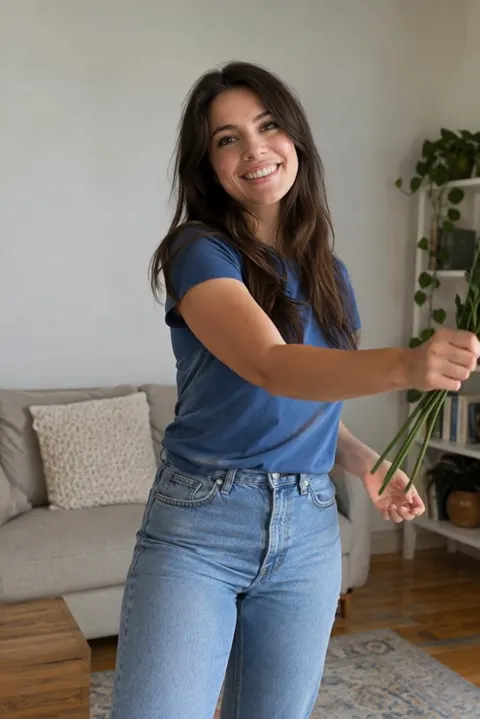
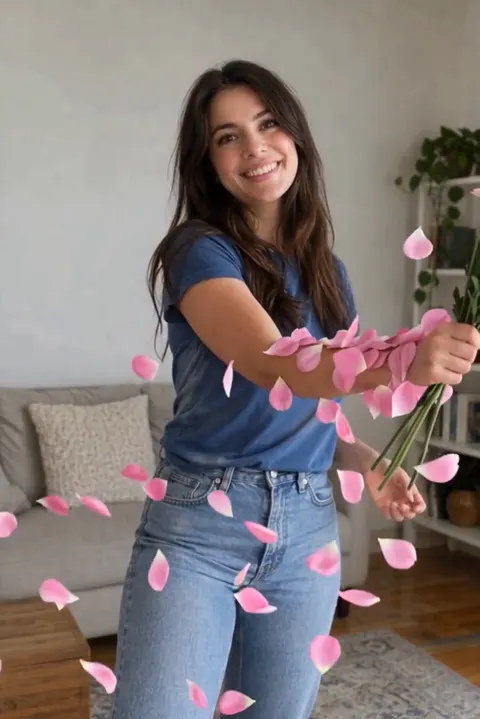
make the petals fly off the flowers around her arm
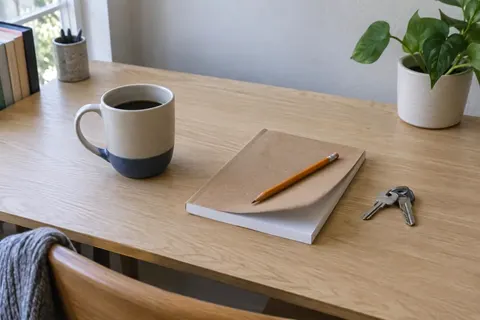
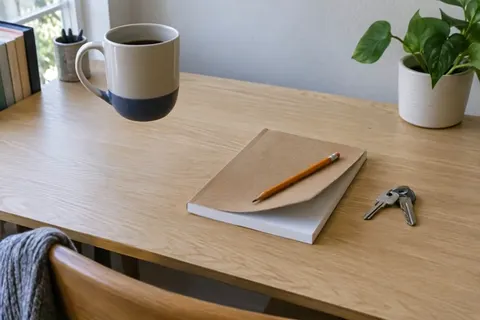
make the mug float in the air
Examples marked Previous version were recorded with a previous version of Aisma. Results vary with your clip and request.
Make it yours
Borrow a request.
Fit it to your clip.
Name what’s in your shot
Swap the card’s nouns for what your camera sees, and point to things by color and position, like “the man in the blue cap behind us.”
Say what must stay
Add a second sentence for any detail that must not change.
In the kitchen clip, our first runs of two face swaps asked to keep the blue T-shirt and still changed its color. We ran both again naming it exactly, “bright royal-blue crew-neck T-shirt,” and the versions on this page kept it.
Read one full prompt in the guideBring your own photos
When a card says “from the photo,” add a clear photo of your garment or product. For a person swap, add two portraits of the new person, one from the front and one at three-quarters, of someone who agreed to it. With several photos, call them Photo 1 and Photo 2.
Photo tips for face swapsAsk for one change at a time
One clear change per request gives the most predictable result. For a second change, start a new edit from the finished clip in your Library.
More on writing a requestHOW IT WORKS
Three steps. No timeline.
Choose your video
MP4 or MOV, 2–60 seconds, up to 500 MB. Your original framing is kept.
Say what should change
In plain words. Add up to 10 photos when a specific look matters.
Review credits, then generate
Pick 720p or 1080p. Aisma shows the credits first, and the finished edit arrives in your private Library.
A FEW GOOD QUESTIONS
Before you begin.
Are these real results?
Yes. Every card shows an actual Aisma edit and the original clip it was made from. Cards marked Previous version were made with a previous version of Aisma. Each card links to a page that plays the complete edit with its original. Your result depends on your clip and request.
Can I use these requests on my own video?
Yes. Copy a request and paste it into the request box after you choose your video in Aisma. Change the nouns to match your clip. If the card used photos, add your own.
Do I need photos?
Only when a specific look matters. 19 of the 43 edits here used words alone; the rest used one garment or product photo, or two portraits of the new person. You can add up to 10 photos to one edit.
Is the request on each card the exact prompt you used?
No. Each card gives the change as a short request in plain words, the way you’d type it. The prompts we sent were longer and also named what had to stay, such as faces and the camera move. The guide prints one of them in full.
Did every edit work on the first run?
Not every one. Of the 24 edits made with the current version of Aisma, 22 are the first run we made. The other two are kitchen face swaps that we ran a second time to keep the blue T-shirt from the original.
Which videos work?
MP4 or MOV, 2–60 seconds, up to 500 MB. Aisma keeps your original framing.
What does an edit cost?
Edits are paid with credits. The price follows the length of your clip and the quality, 720p or 1080p, and Aisma shows it before you generate. Unused credits are returned. Current prices are on the pricing page.
Are my videos public?
Your uploads and completed results are private. The website demonstrations were created separately for public use.
Can Aisma make a video like these from text alone?
Aisma edits video you’ve already shot, so every example here began as an existing clip. Making a brand-new video from text or a photo is on our roadmap. If you need it, tell us what you’d make at support@aisma.ai.
YOUR NEXT EDIT STARTS HERE
Found a request you like?
Try it on your own clip.
Choose your videoPaid editing · MP4 or MOV · 2–60 seconds · Review credits before generating.